TGM Classroom invitation
Free 14 day trial of TGM Pro
Unlock the full TGM Classroom experience with Pro widgets, unlimited assignments, advanced results, planning tools and Teacher Companion AI.
If you accept while logged out, we will ask you to sign in first and then activate the trial straight away.
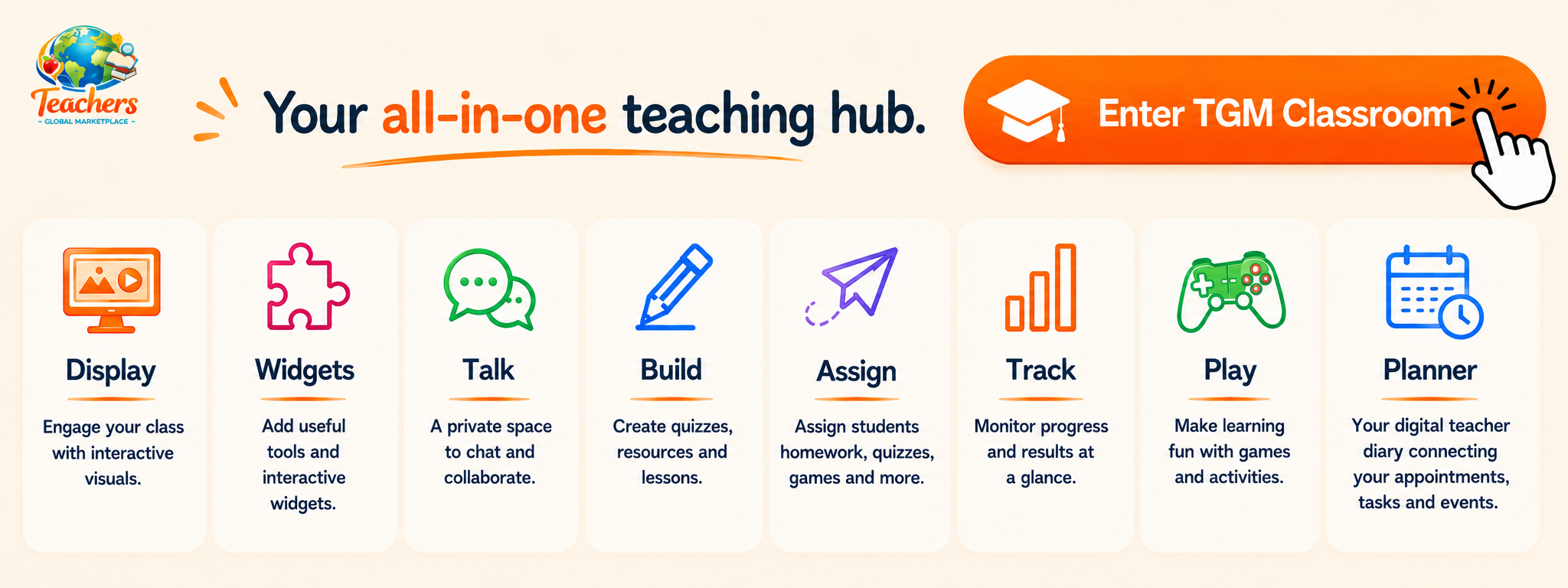
Everything you need to
Teach, Track and Engage Students
TGM Classroom brings AI lesson planning, classroom displays, quizzes, games, widgets and tracking tools together in one easy-to-use teaching hub. Spend less time switching between apps and more time teaching.
Classroom Display Hub
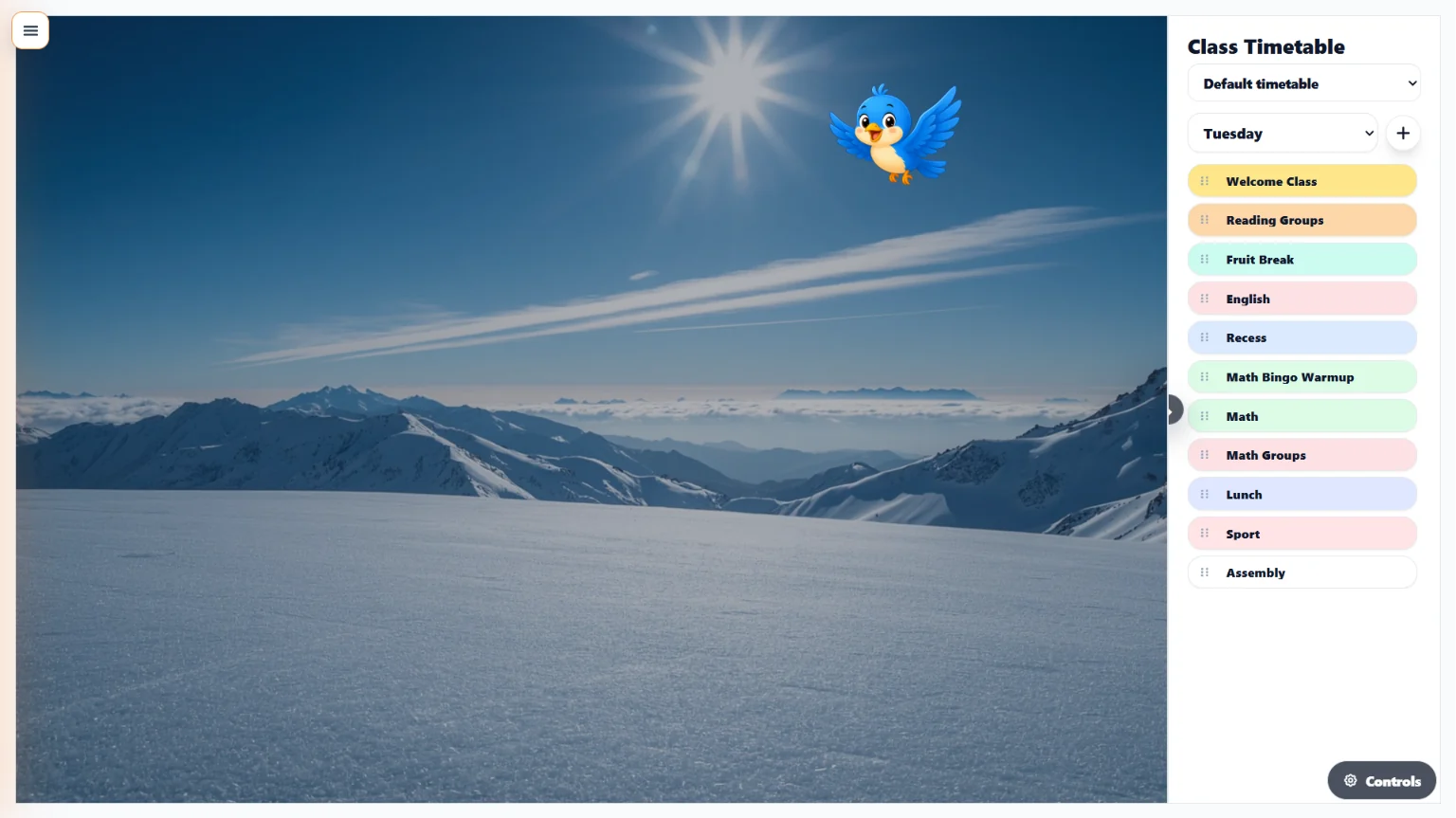
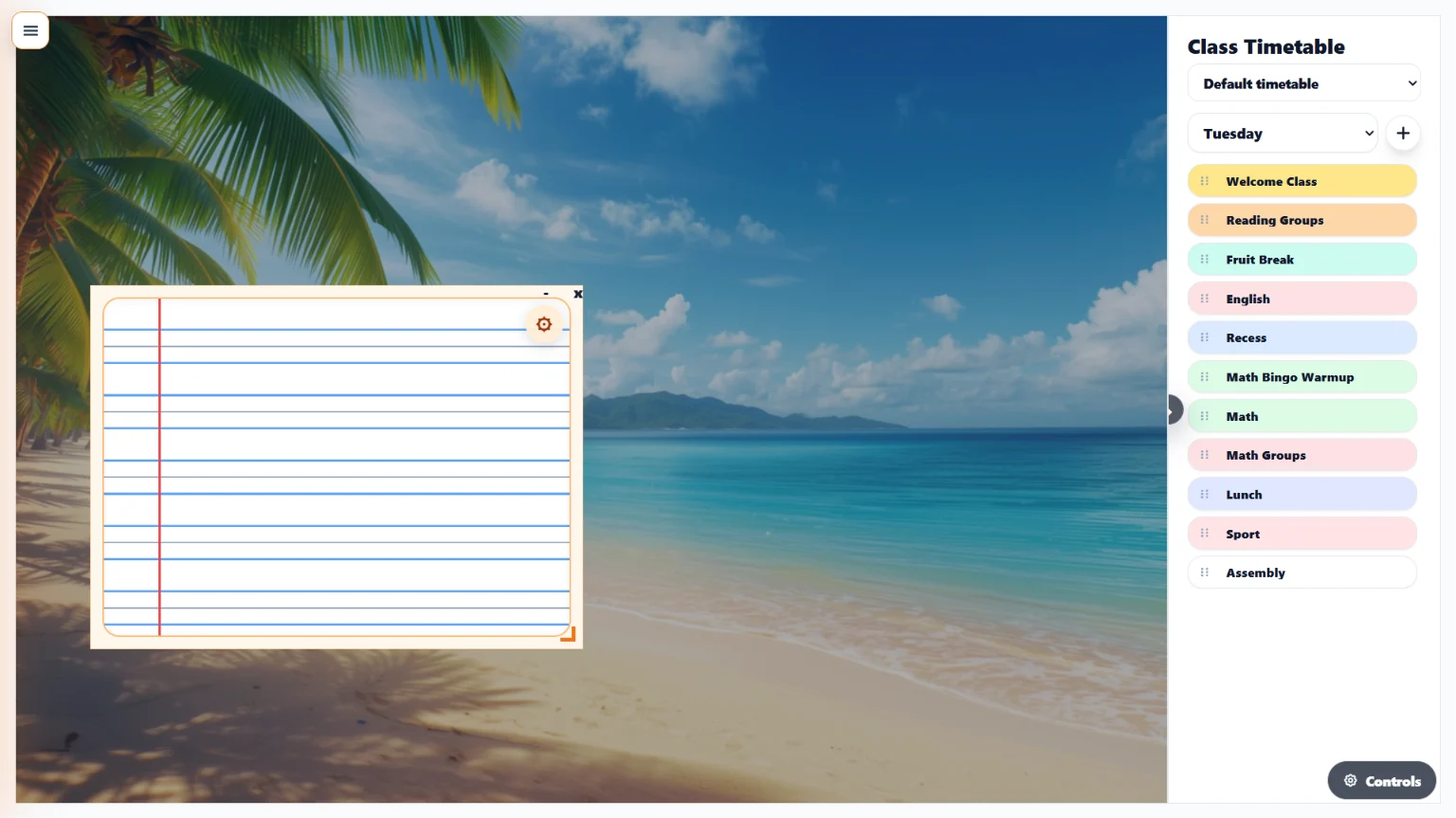
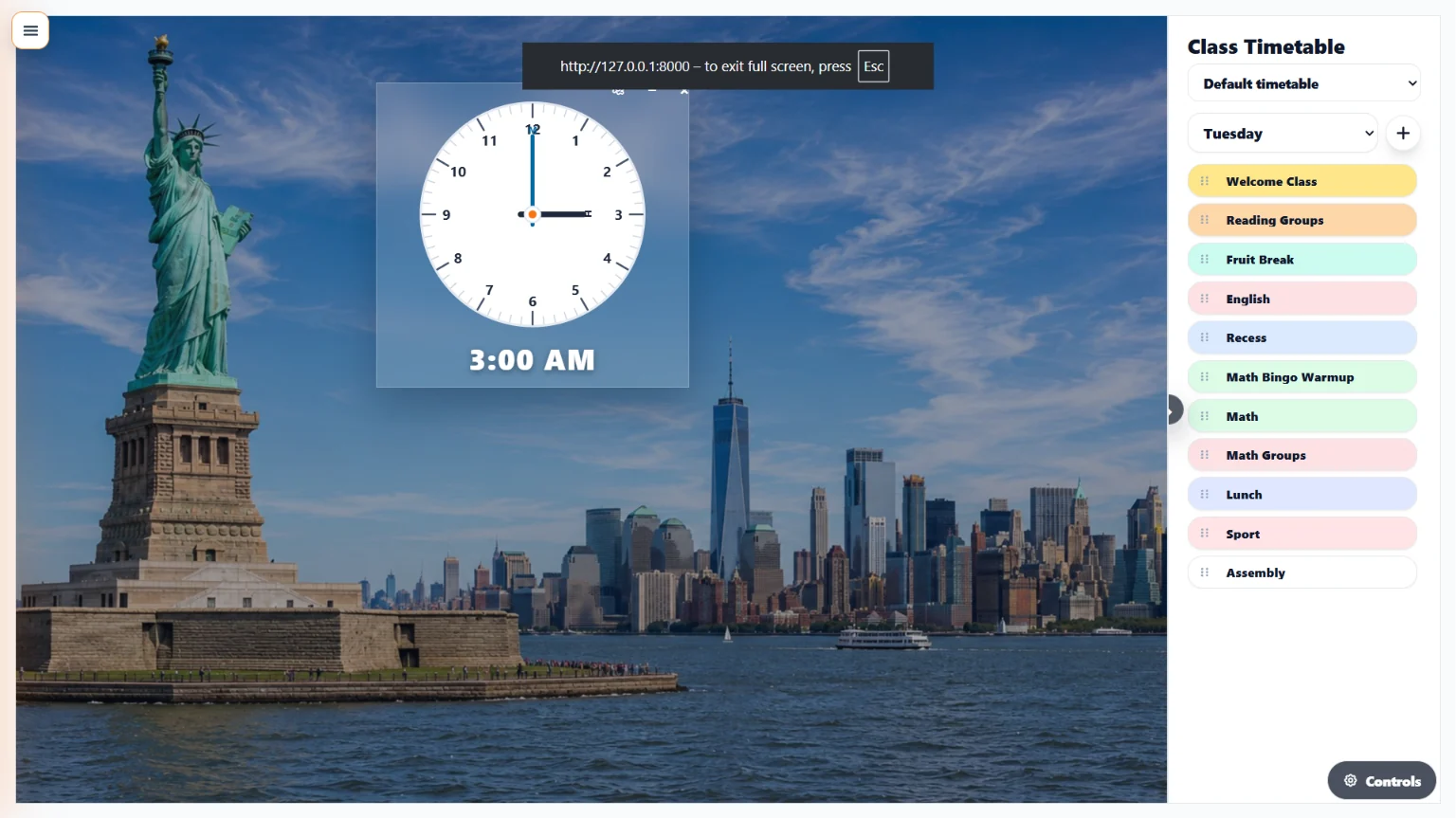
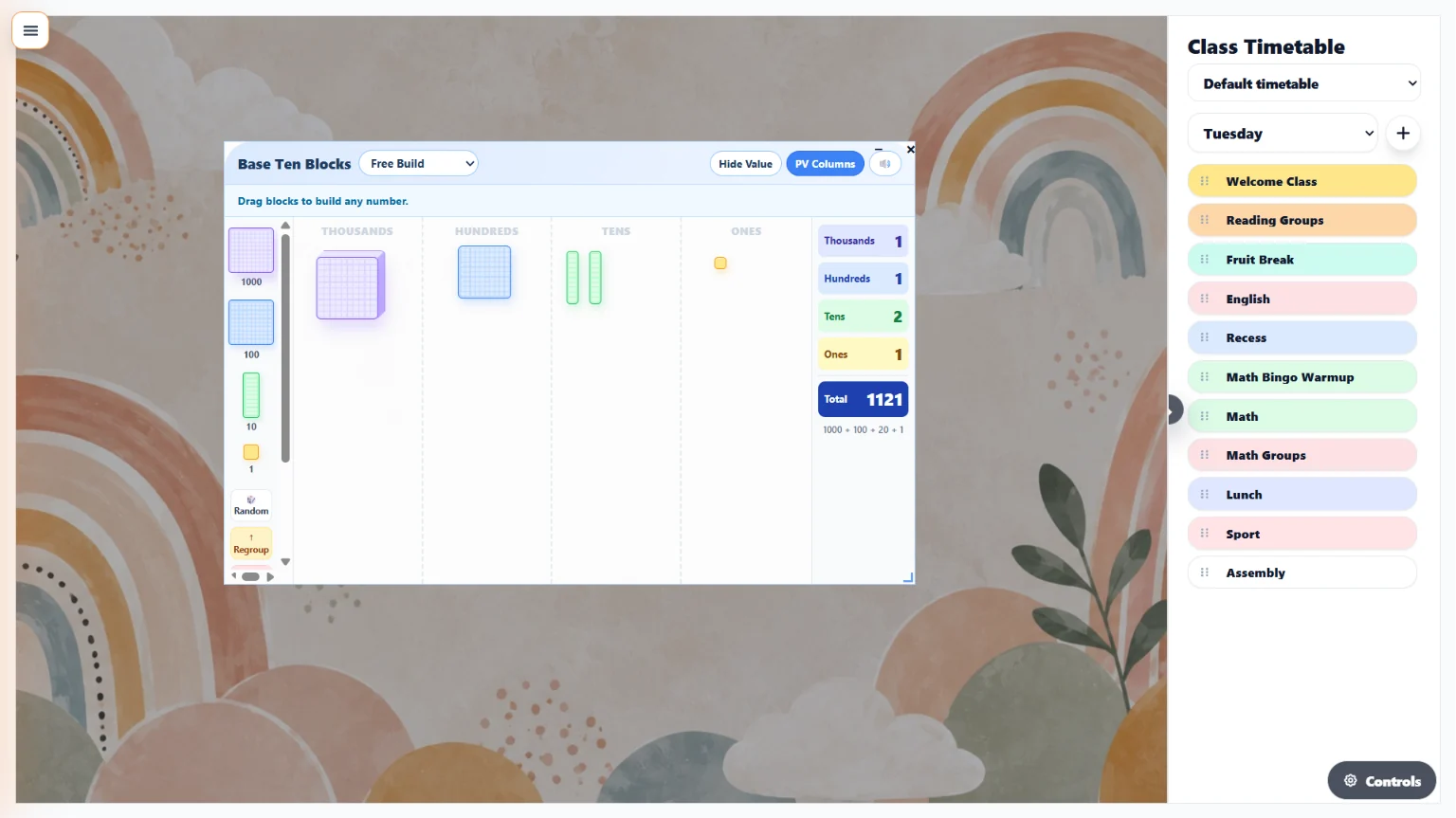
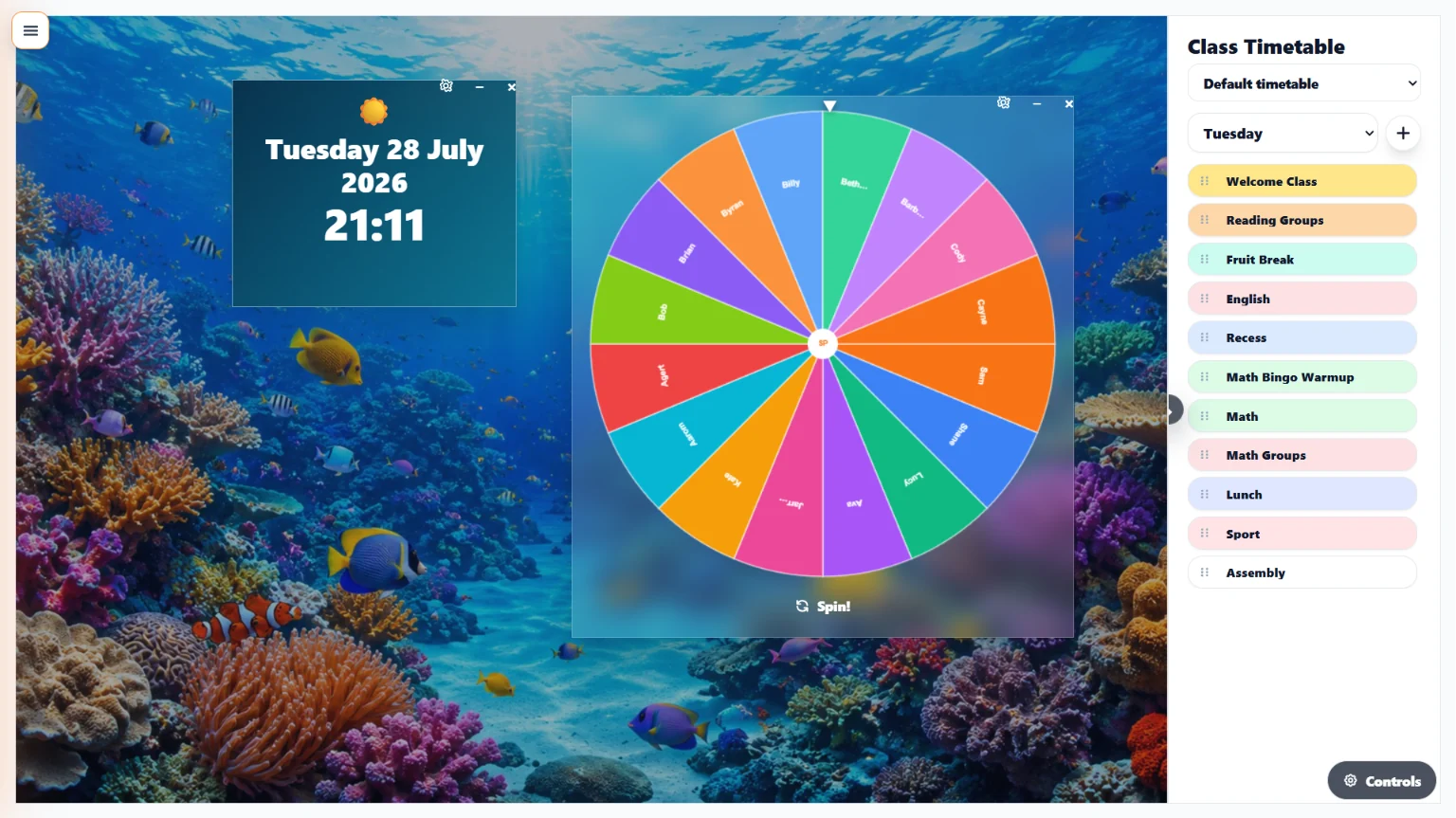
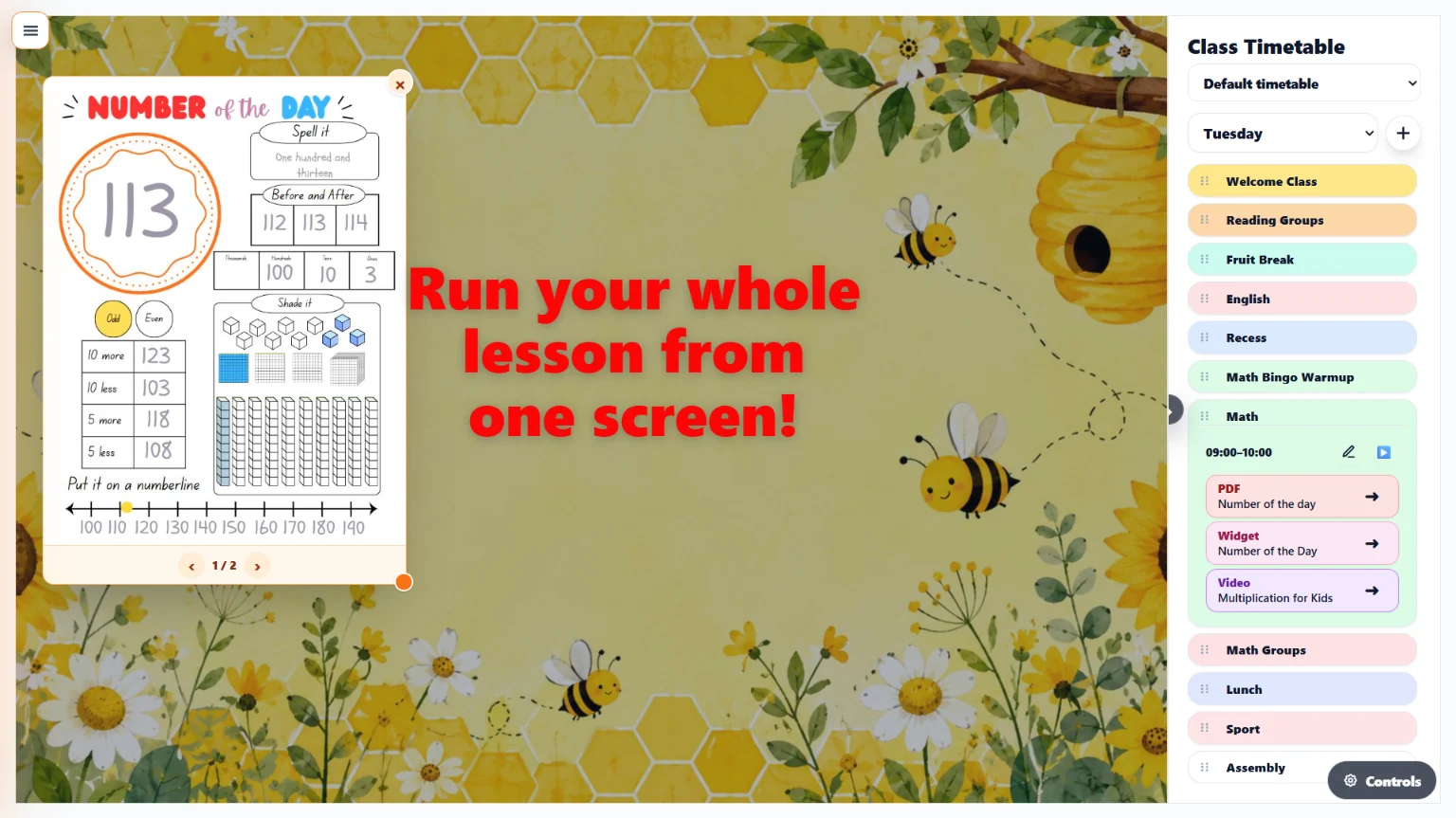
Run your whole teaching day from one organised classroom screen. The Classroom Display Hub brings together your Class Timetable, lesson sequence, teaching resources and classroom tools so everything is ready when you need it.
Expand a lesson to launch its widgets, PDFs, images, QR codes, links, videos and slide decks in teaching order. You can keep one main display background for the day or choose an optional background for an individual lesson.
Add notes, text, images, rewards and interactive teaching widgets directly to the screen. It works on interactive whiteboards, classroom TVs and projectors, helping you move smoothly from one part of the day to the next.
+− Why upgrade to TGM Pro?
Free
- ✓ Up to three reusable Background Displays
- ✓ A choice of free display backgrounds
- ✓ One default Class Timetable with lessons and ordered lesson flow
- ✓ Add free widgets, notes, text and images to your display
- ✓ Works on classroom screens, projectors and interactive whiteboards
TGM Pro
- 🎉 Try it FREE — 14 Day Trial. One click cancellation.
- ★ Create unlimited named Background Displays
- ★ Use Google Slides as live backgrounds and create your own custom backgrounds
- ★ Access every Free and Pro background, widget and new addition
- ★ Create multiple timetable weeks, copy previous weeks and add special days
- ★ Choose optional lesson-specific display backgrounds
- ★ Add PDFs, images, QR codes, links, videos and slide decks to lesson flow
- ★ Launch Lesson Companion AI slide decks and unlimited game or quiz assignments
Teacher Companion AI
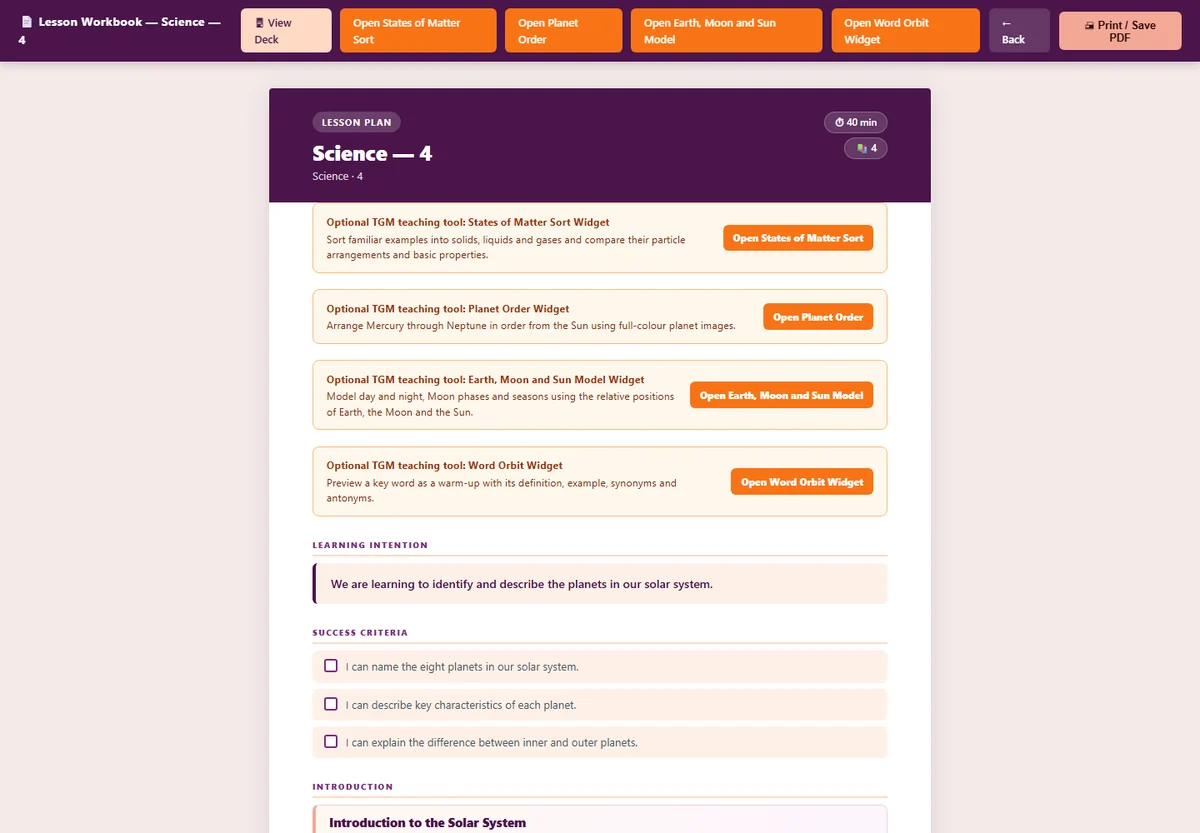
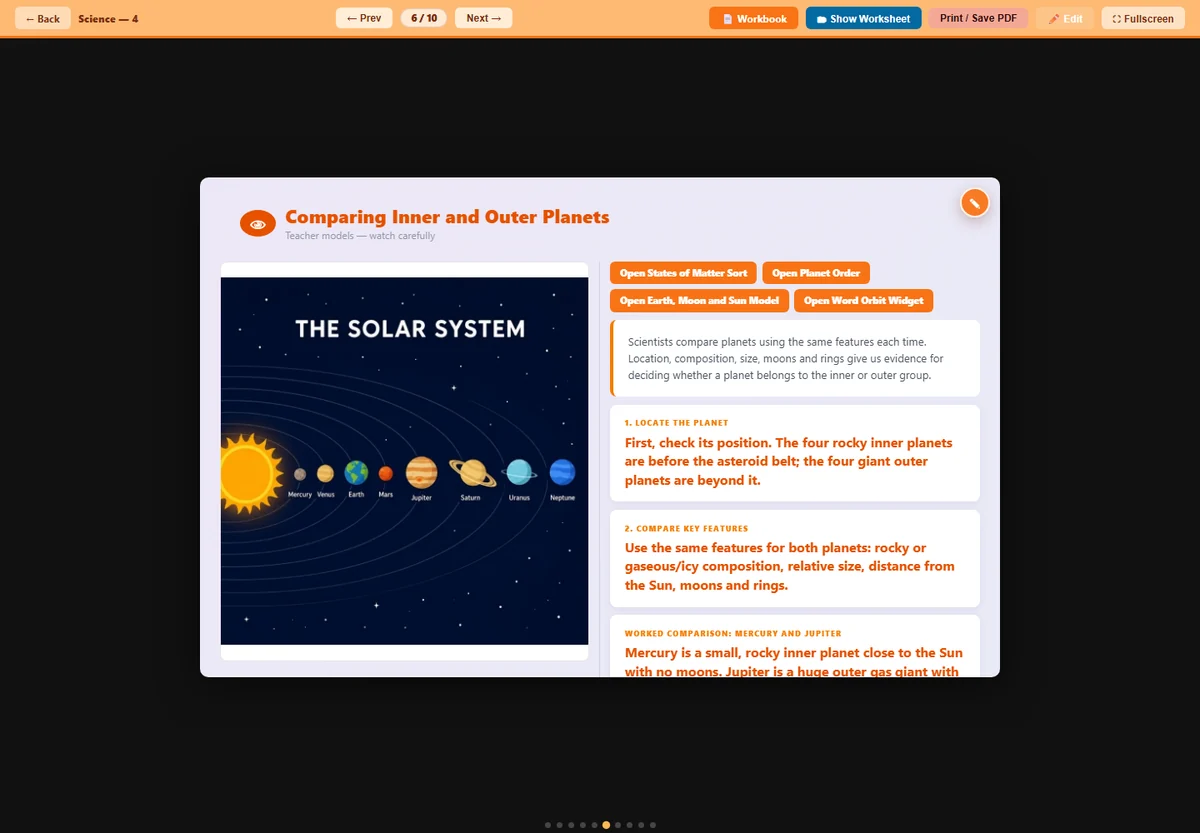
Start with a worksheet, image or PDF you already trust and turn it into a structured lesson workbook and classroom-ready slide deck.
Teacher Companion AI helps build the teaching around your resource, including lesson details, suggested videos and relevant interactive widgets where they support the learning.
Save each lesson to your library, revisit it when needed and add its slide deck directly to a lesson in your Class Timetable.
Widgets
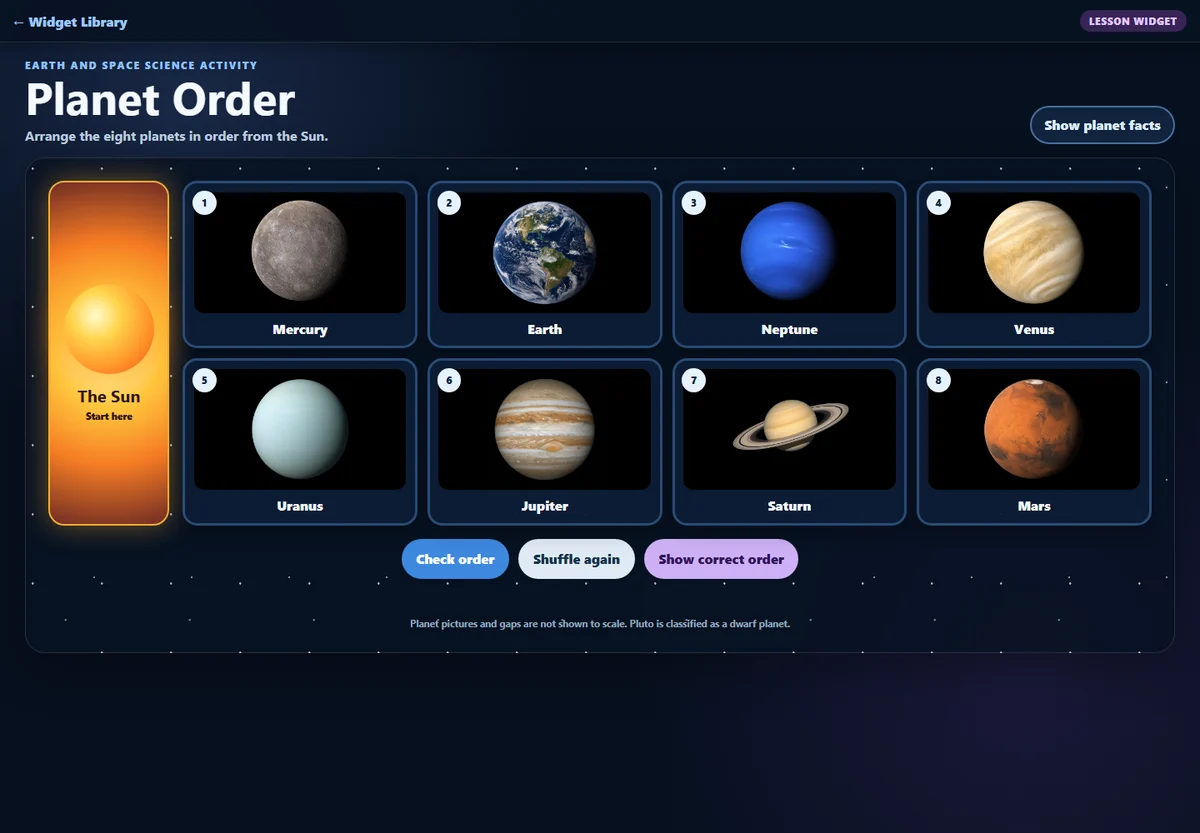
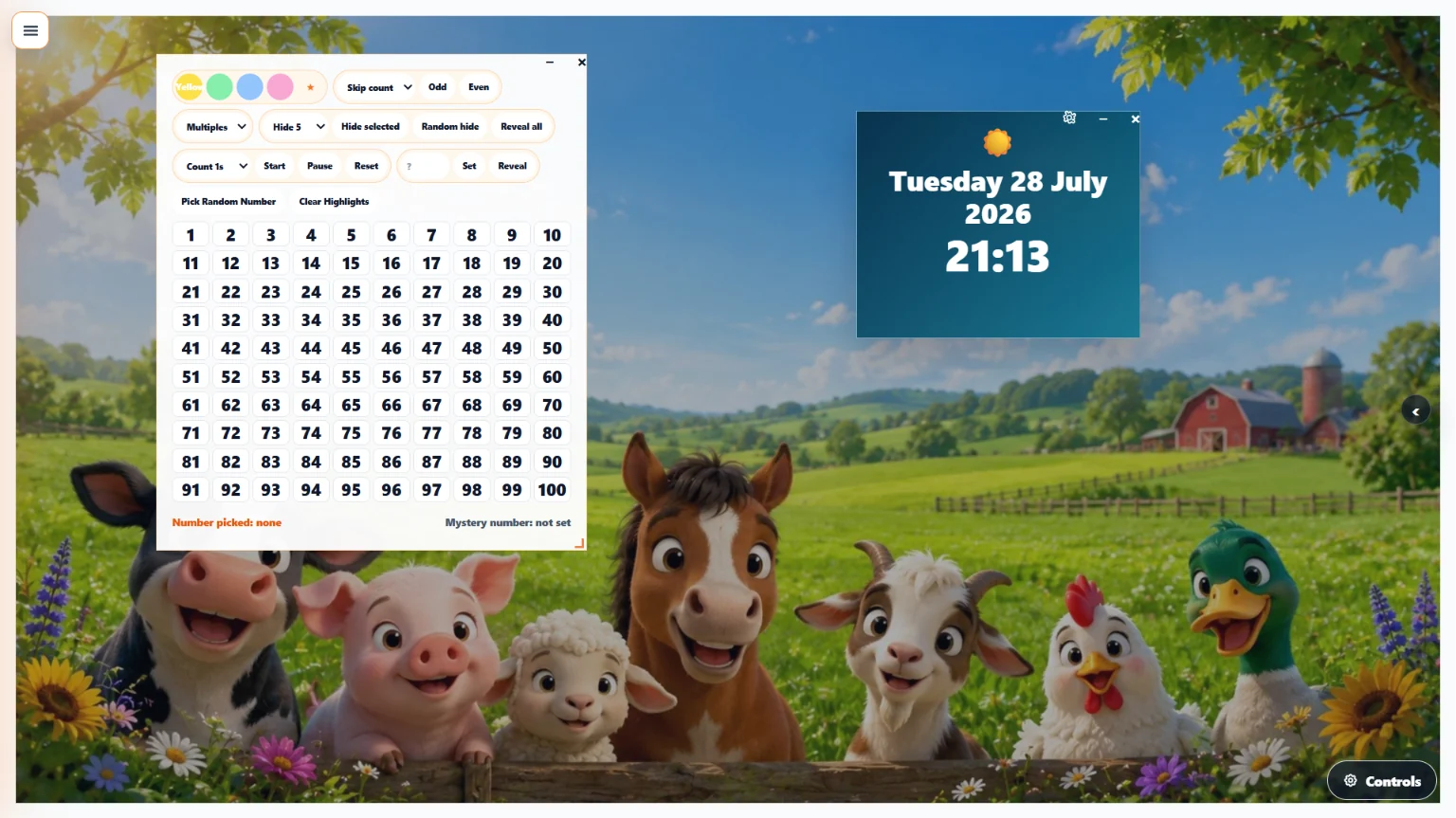
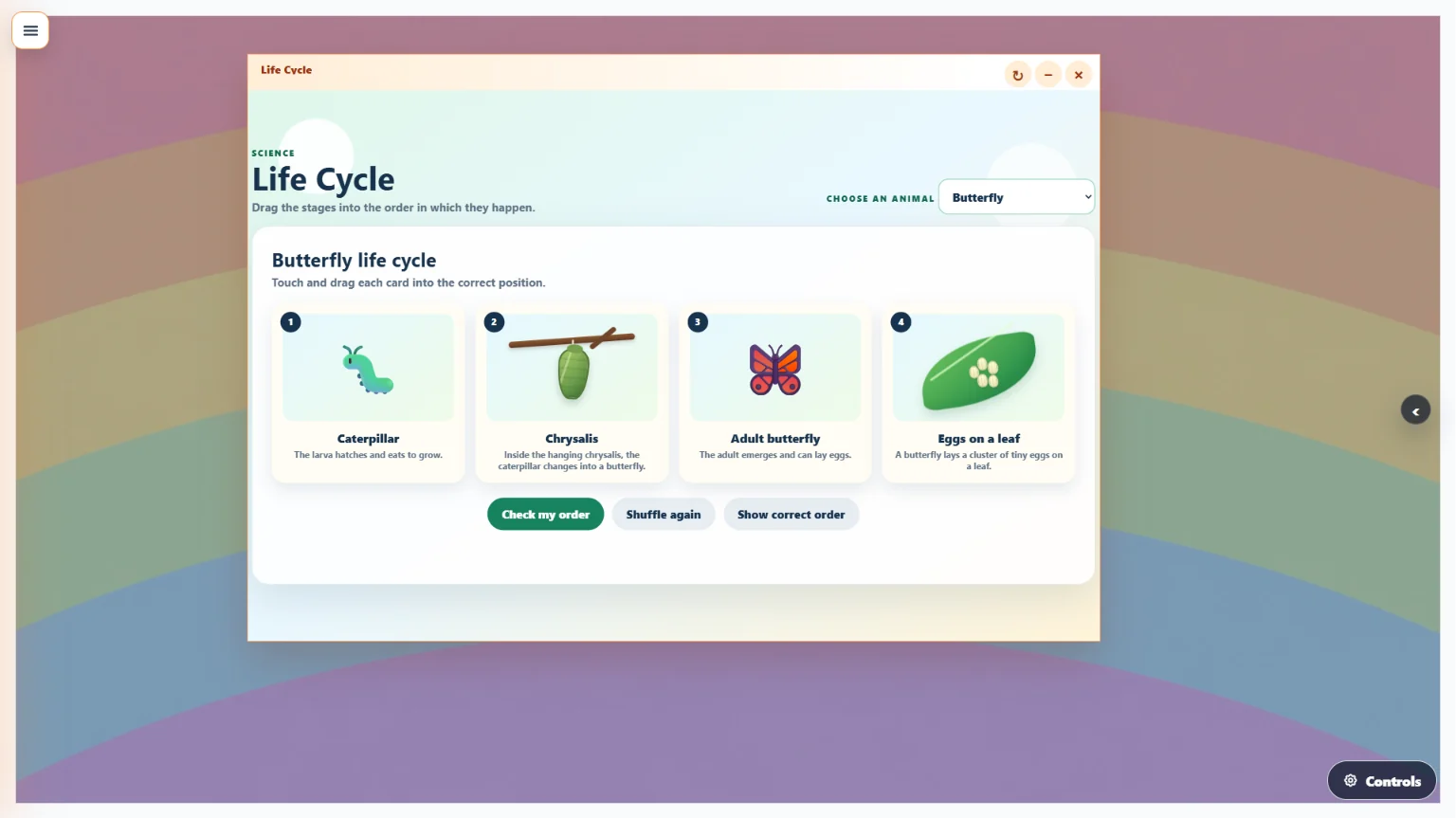
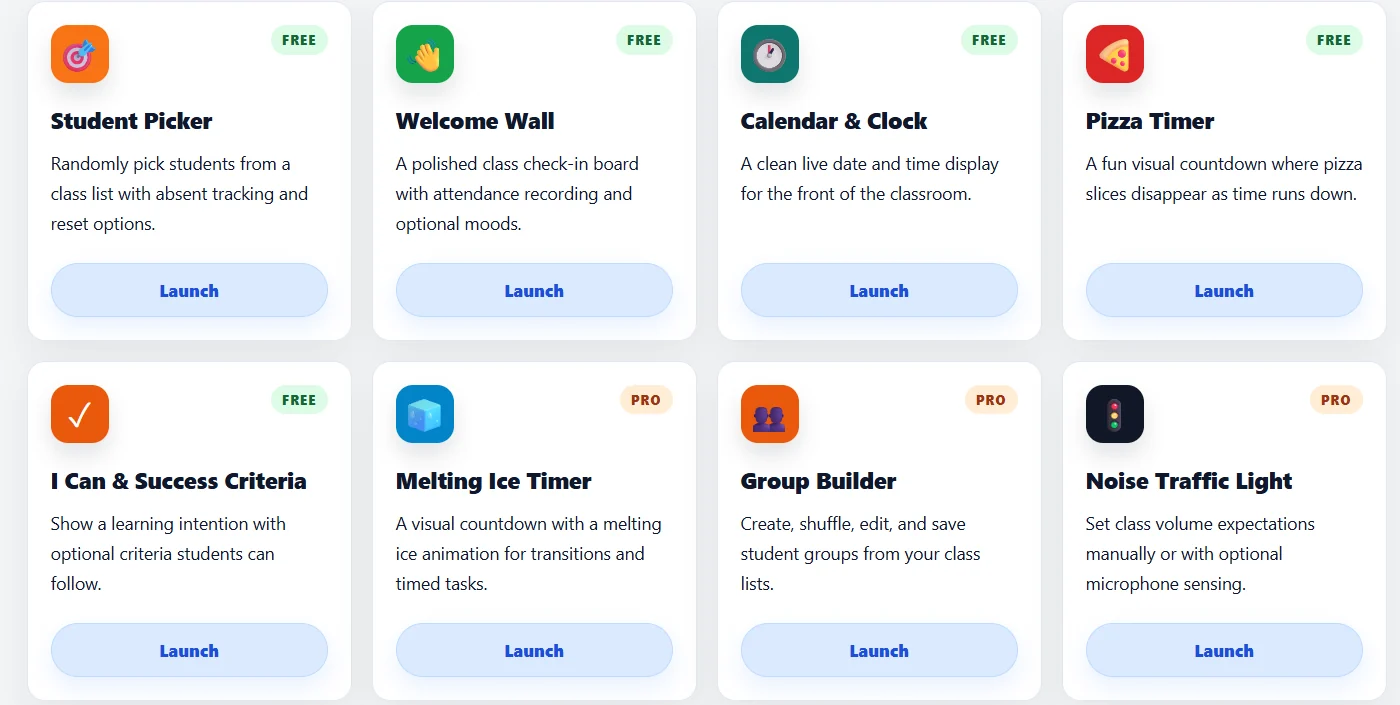
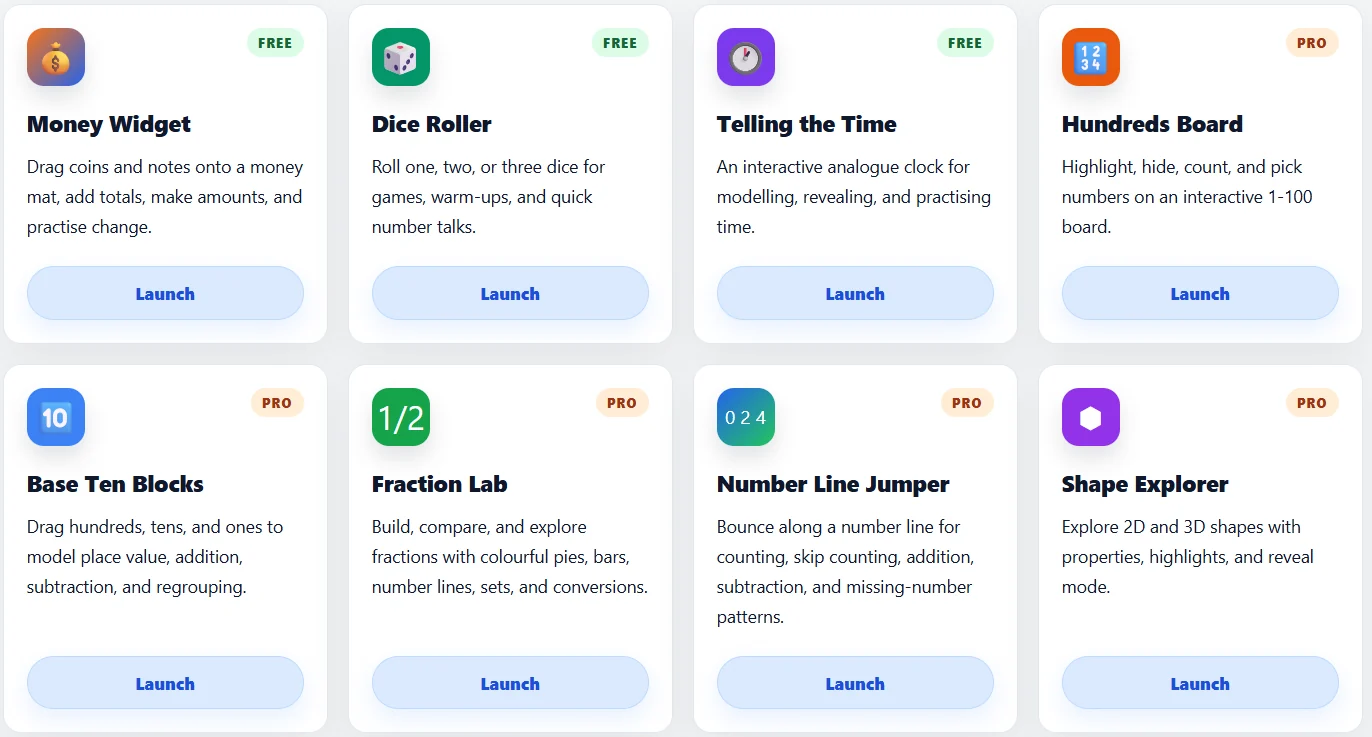
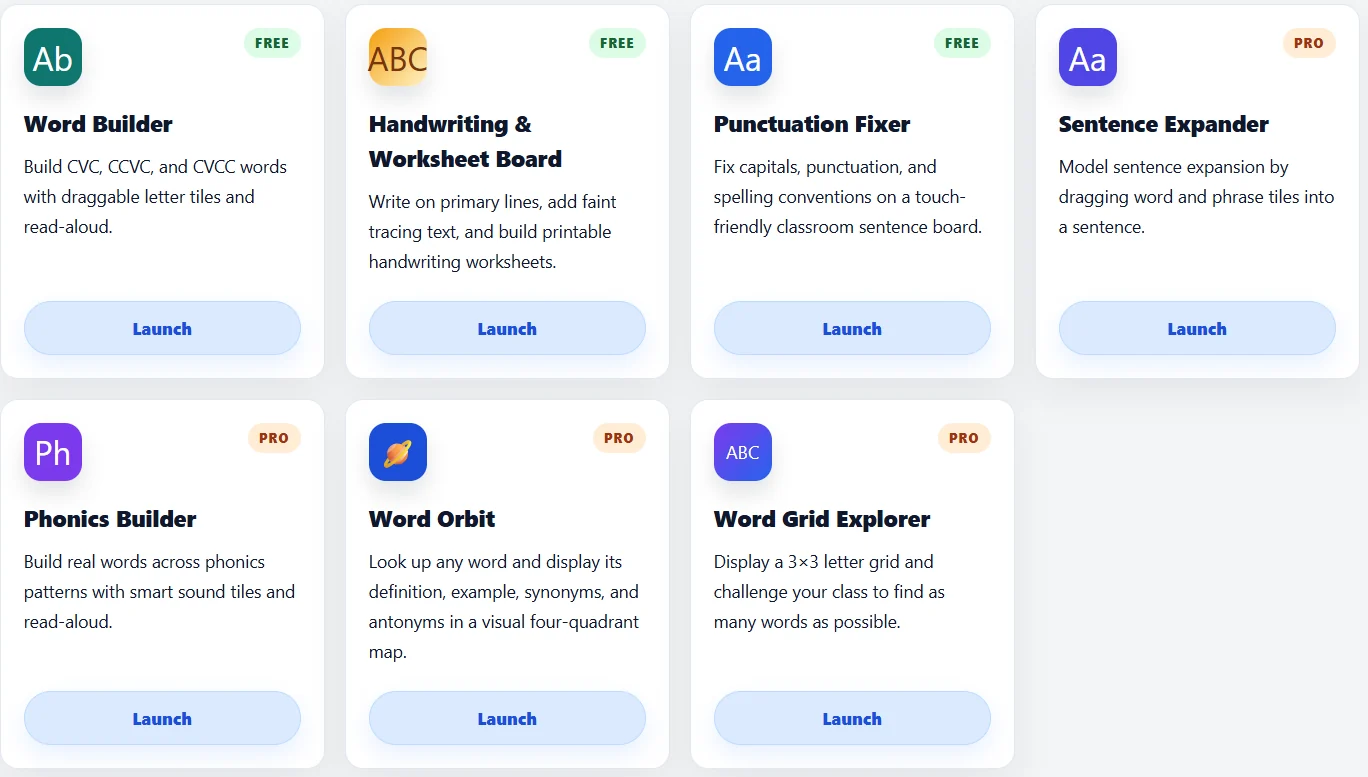
Bring your lessons to life with interactive teaching tools designed for everyday classroom use. Launch timers, student pickers, dice rollers, hundreds boards, shape explorers, noise meters, telling the time activities, success criteria displays and more. Use widgets directly on your Classroom Display or as standalone tools to keep students engaged and learning on track. When your Google Slides are on the classroom screen, add TGM widgets over the top to make your lesson slides interactive. Explore widgets across maths, literacy, classroom management, games, rewards, wellbeing and more.
+− Why upgrade to TGM Pro?
Free
- ✓ Access to free widgets including:
- – Board Note
- – Calendar, Clock & Weather
- – I Can & Success Criteria
- – Drawing Box
- – Telling the Time
- – Word Builder
- – Student Picker
- – Pizza Timer
- – Dice Roller
- – Fast Finisher
- – Addition & Subtraction Bingo
- ✓ Use widgets on your classroom display or standalone
TGM Pro
- 🎉 Try it FREE — 14 Day Trial. One click cancellation.
- ★ Full access to all widgets including all free widgets and all Pro widgets:
- – Welcome Wall
- – Handwriting & Worksheet Board
- – Melting Ice Timer
- – Hundreds Board
- – Base Ten Blocks
- – Alphabet Trace
- – Sight Word Flipper
- – Fruit Break
- – Fraction Lab
- – Number Line Jumper
- – Shape Explorer
- – Sentence Expander
- – Phonics Builder
- – Word Orbit
- – Word Grid Explorer
- – Noise Traffic Light
- – Group Builder
- – Money Widget
- – Phonics Bingo
- – Multiplication Bingo
- – Time Bingo
- ★ Access to all widgets in standalone screens
- ★ Early access to new widgets
- ★ Save widget favourites across sessions
Planner / Timetable
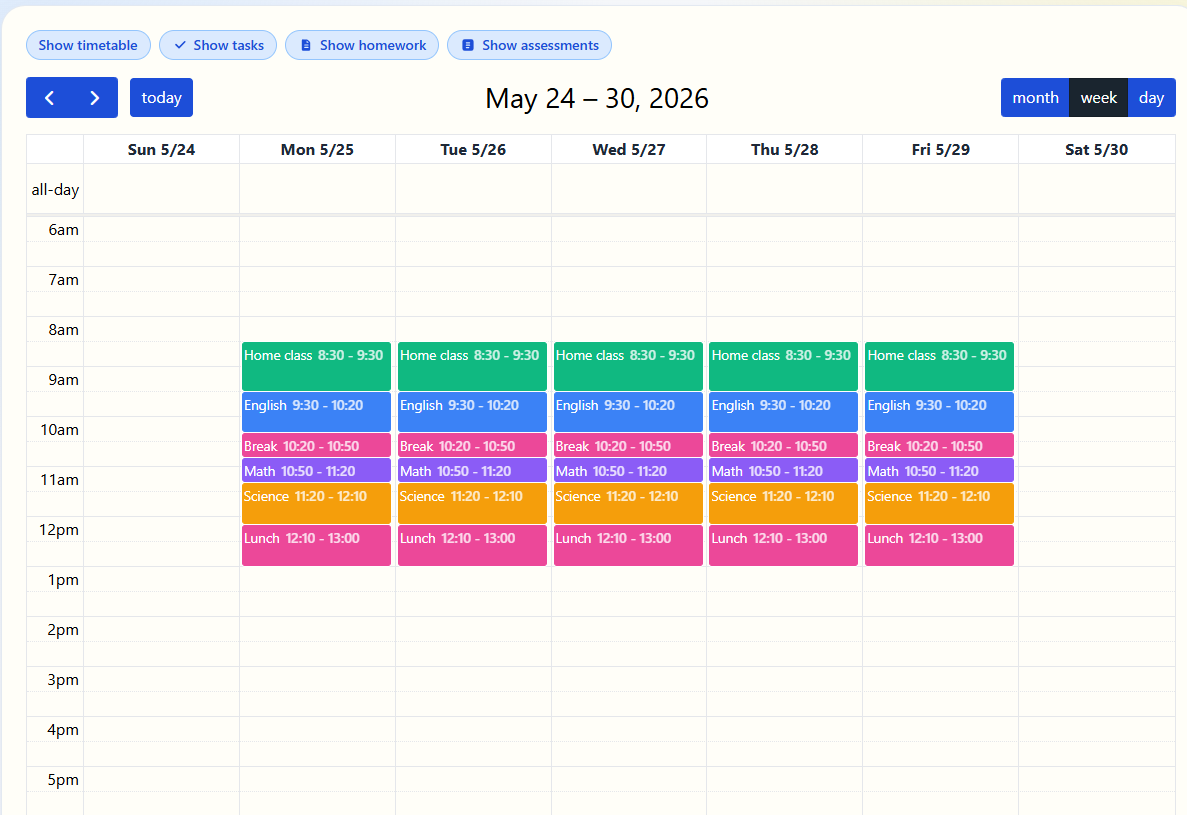
Create your free timetable and display it in your My Day — a simple space to see your day at a glance.
Upgrade to TGM Pro to unlock the full Planner — a teacher diary that brings everything together in one place. Connect your timetable, tasks, assessments, homework, events and appointments so you always know what's coming up and nothing gets missed.
+− Why upgrade to TGM Pro?
Free
- ✓ My Day — a personal daily view to see what's on
- ✓ One free timetable that links to My Day
- ✓ Tasks, Homework Planner & Assessment Planner
TGM Pro
- 🎉 Try it FREE — 14 Day Trial. One click cancellation.
- ★ Full TGM Pro Planner — your complete teacher diary
- ★ 6 Different Timetables that can link to your planner
- ★ Connect your timetable, tasks, assessments, homework, events & appointments in one view
- ★ Month, week & day views
- ★ Never miss a deadline — everything in one place
Build
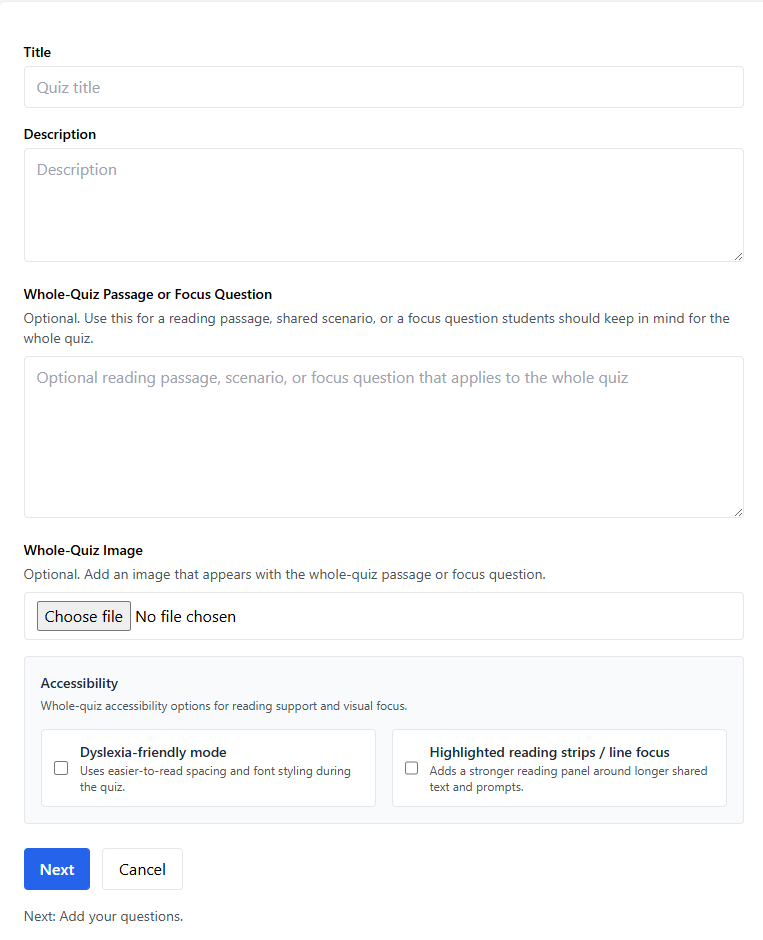
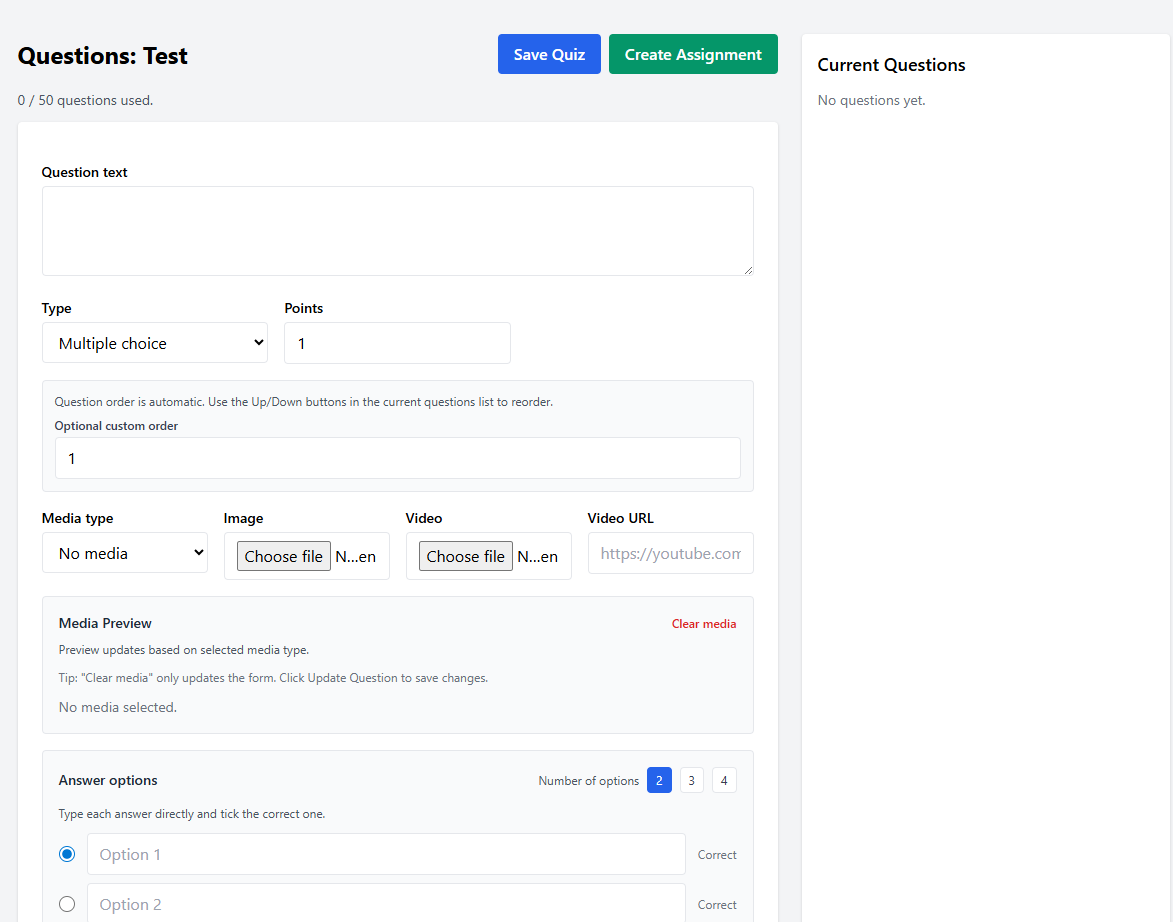
Build your own quizzes tailored to your class. The TGM quiz builder gives you full control over questions, settings, and structure — so every quiz fits exactly what your students are working on right now.
Once you've built a quiz, create assignments for it. You can also create assignments for games from the TGM games library — sending students straight into the activity with one click.
No student accounts needed — students simply scan a QR code or click a link to jump straight in. Results are captured automatically so you can see who's done what and how they went.
+− Why upgrade to TGM Pro?
Free
- ✓ Create up to 5 free quizzes and assignments per month
- ✓ Limited access to student results
- ✓ Access the quiz library
TGM Pro
- 🎉 Try it FREE — 14 Day Trial. One click cancellation.
- ★ Create up to 200 quizzes and have unlimited assignments
- ★ Unlimited game assignments to students
- ★ Full statistical analysis of student results
- ★ Access to quiz accessibility features including Dyslexia Friendly Mode, Line Focus & Read Answer Choices
- ★ Advanced quiz settings & customisation
Play
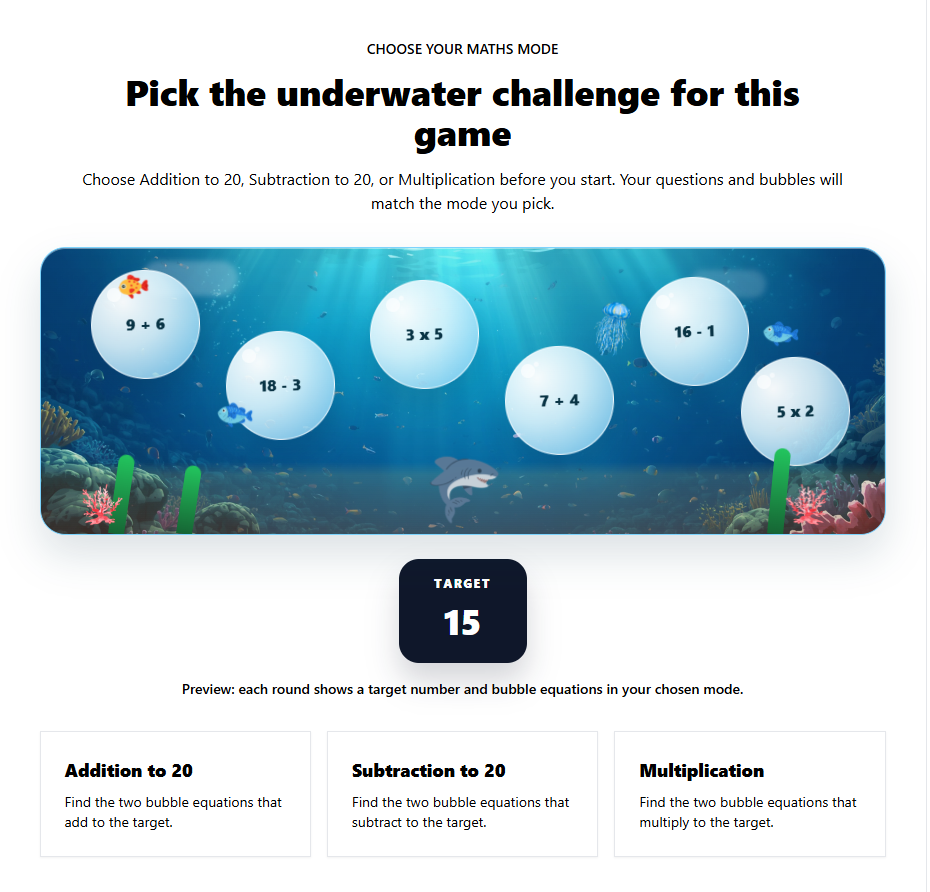
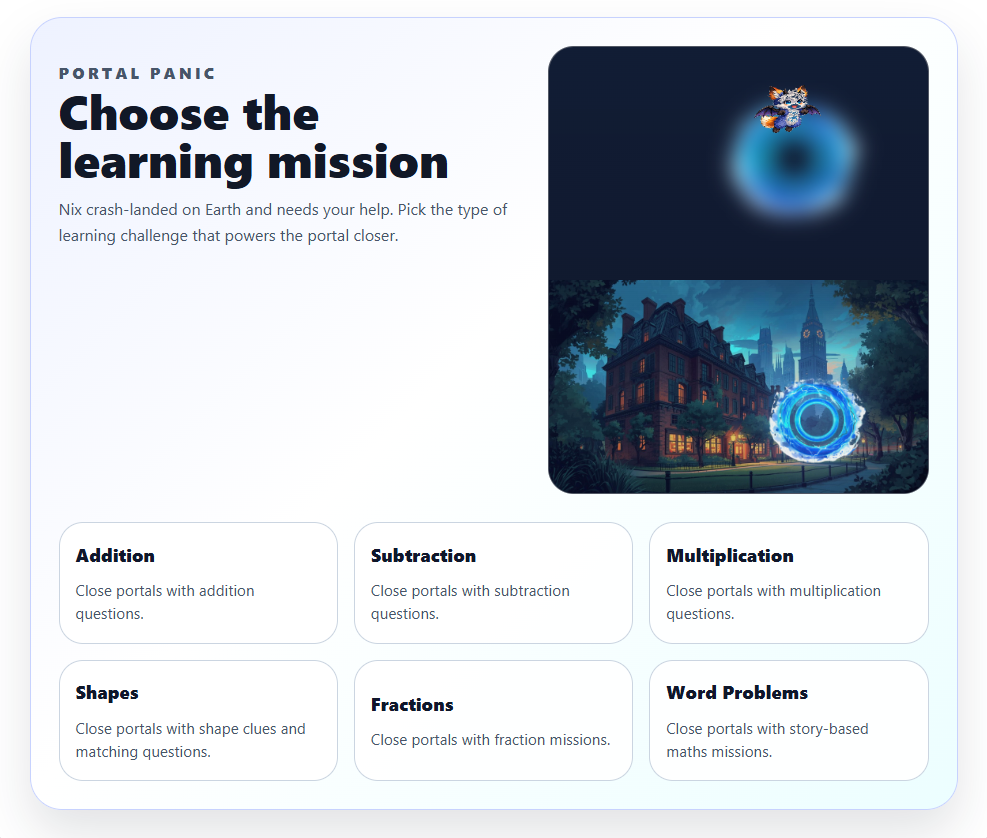
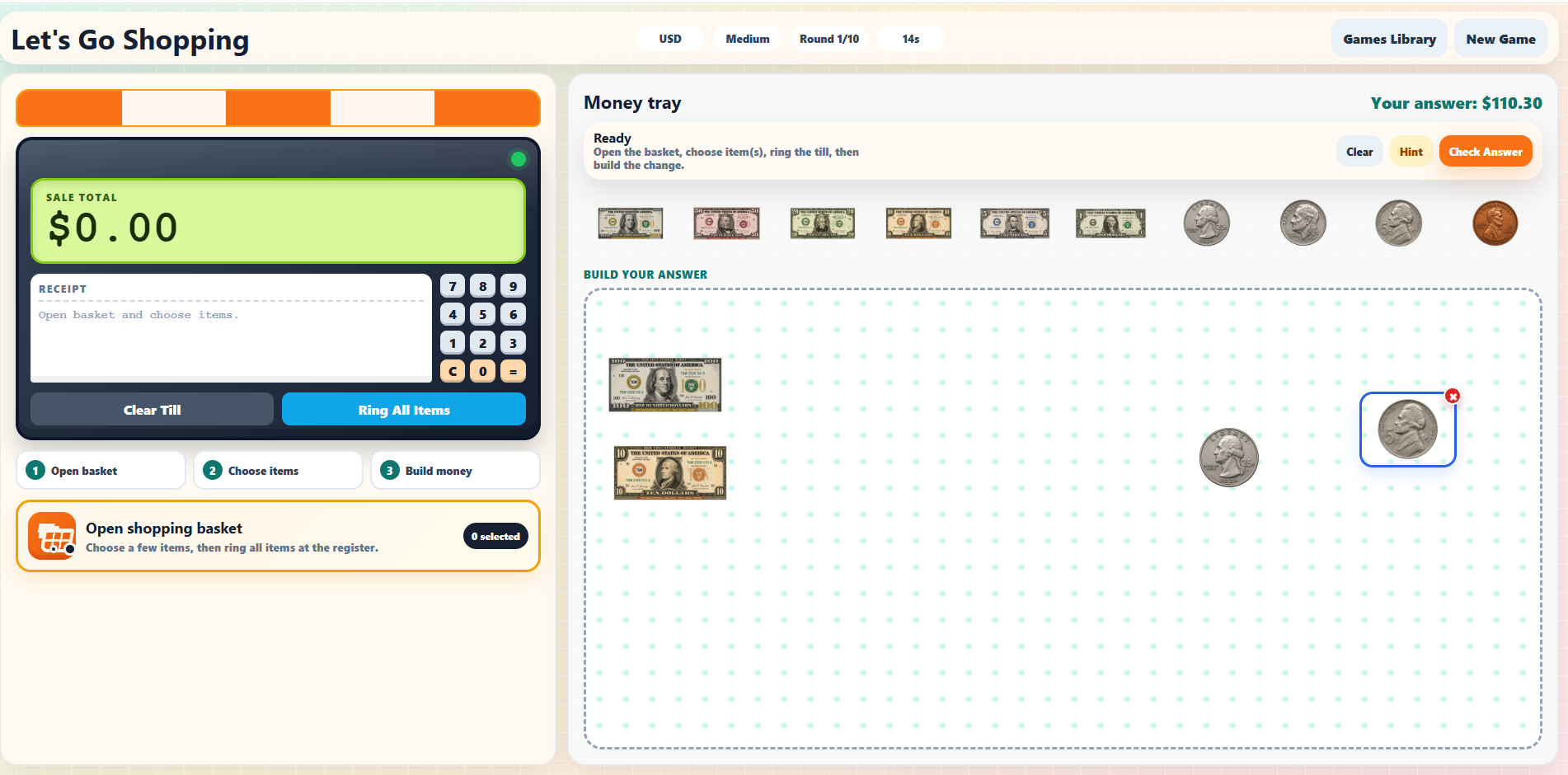
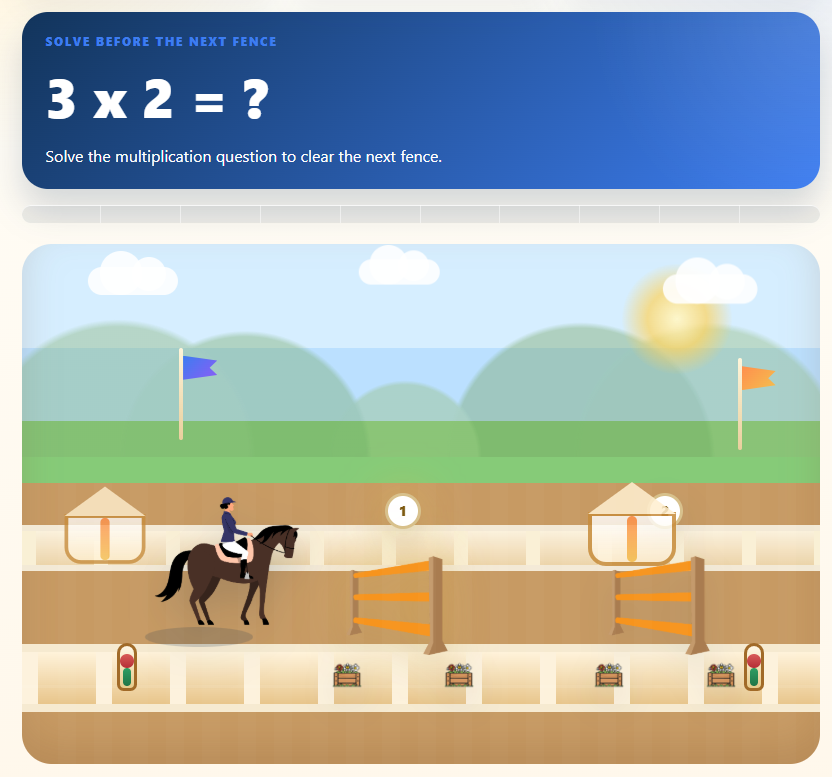
Students join with a code and jump straight into the action. Games and quizzes run live in the classroom or as take-home activities — making learning feel less like work and more like play.
+− Why upgrade to TGM Pro?
Free
- ✓ Students join with a code, QR or link — no student accounts
- ✓ Full access to free games and 5 student assignments per month
TGM Pro
- 🎉 Try it FREE — 14 Day Trial. One click cancellation.
- ★ Access to all games
- ★ Unlimited game assignments
- ★ Advanced analytics
Assign
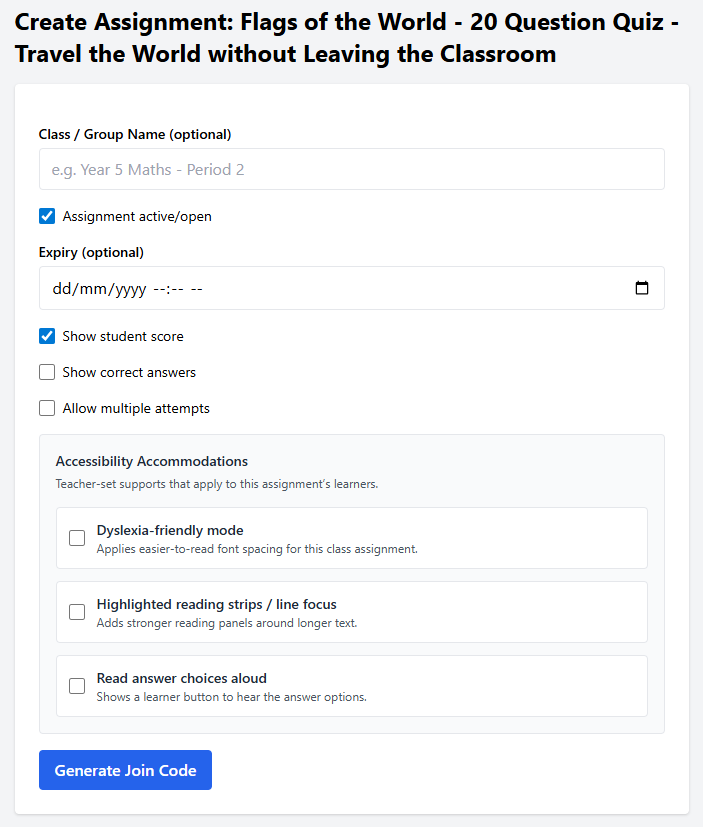
Send quizzes and activities to your students in one click. Set a due date, choose your class, and TGM handles the rest. Students get instant access and can start straight away — no printing, no handouts, no fuss.
+− Why upgrade to TGM Pro?
Free
- ✓ Up to 5 assignments per month
- ✓ Limited result analytics
TGM Pro
- 🎉 Try it FREE — 14 Day Trial. One click cancellation.
- ★ Unlimited assignments to individual students or classes for Quizzes and Games
- ★ Advanced Analytics
Track
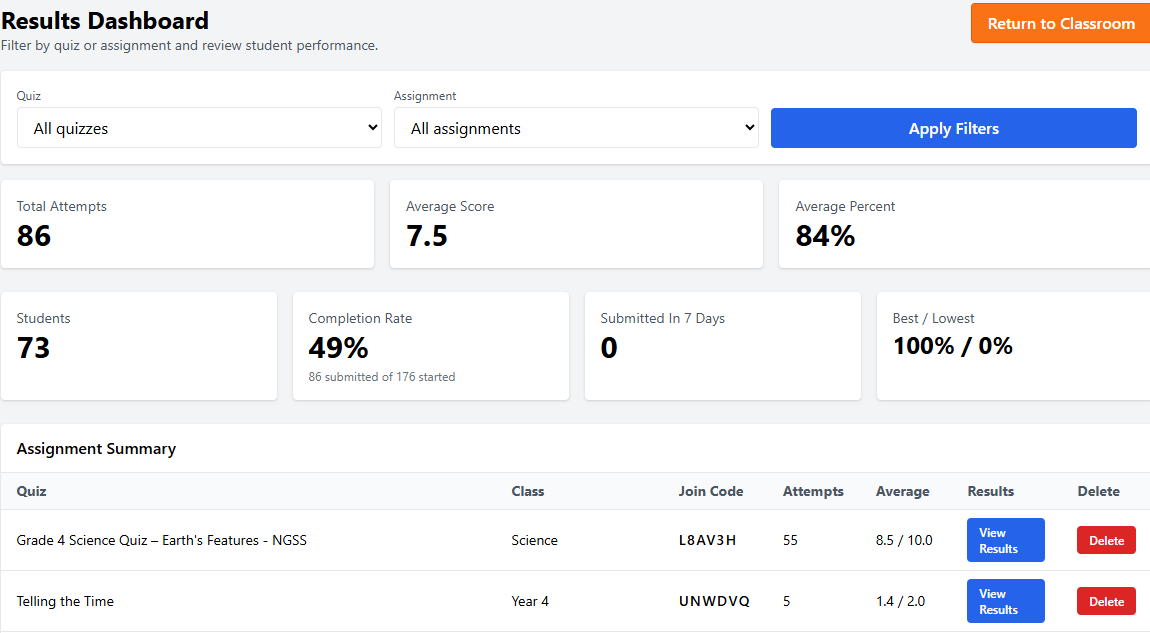
See how your students are going with a clear results dashboard. Track scores, completion rates, and individual performance across quizzes and games — giving you the insight to know exactly where to focus your teaching next.
+− Why upgrade to TGM Pro?
Free
- ✓ Quiz & game results dashboard
- ✓ Class-level completion & score views
- ✓ Assignment completion tracking
TGM Pro
- 🎉 Try it FREE — 14 Day Trial. One click cancellation.
- ★ Individual student performance tracking
- ★ Detailed analytics across all activities
- ★ Export results
Talk
Connect with other teachers through Teacher Table Talk. Share ideas, ask questions, and get inspiration from a community of educators — all without leaving the TGM platform. Real conversations, real classrooms.
+− Why upgrade to TGM Pro?
Free
- ✓ Full access to Teacher Table Talk community
- ✓ Create up to 6 tables with up to 10 members each
- ✓ Share ideas & resources with other teachers
TGM Pro
- 🎉 Try it FREE — 14 Day Trial. One click cancellation.
- ★ Full access to Teacher Table Talk community
- ★ Up to 20 tables with up to 30 members each
- ★ Share ideas & resources with other teachers